
Working prototype
Magic Windows
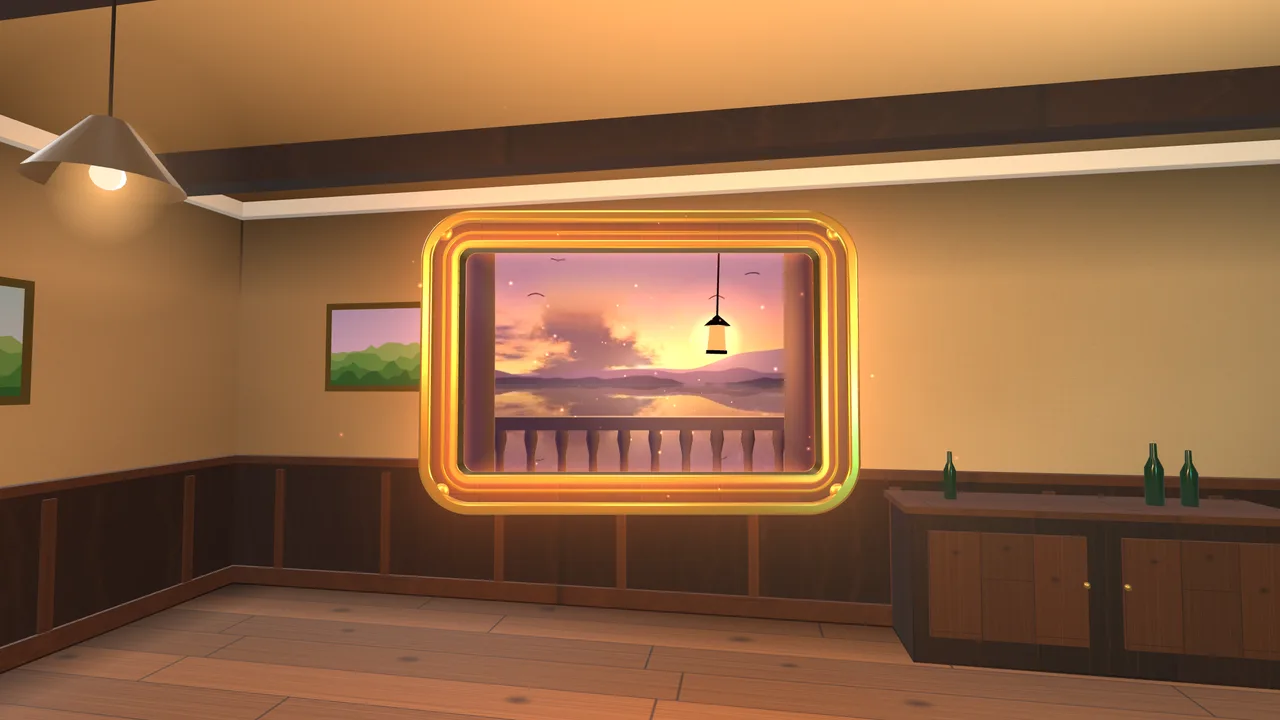
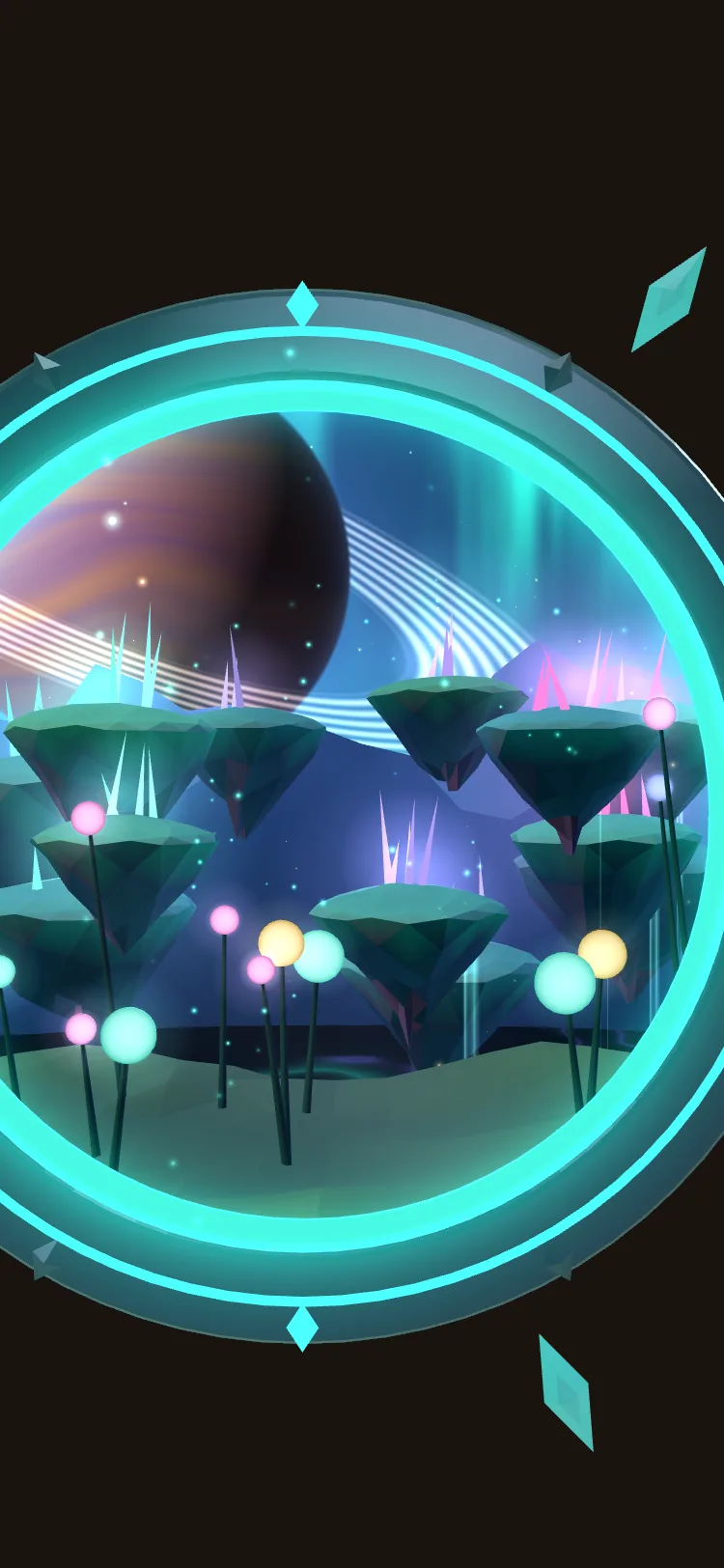
Three windows float in the real room about three metres away: another world, a sunset film and a forest. Guests open a link in their phone’s browser, allow the camera, then walk up and step through.
Try it on your phone · nothing to install
Three windows. Your room. Your phone.
A working web AR prototype the studio built in a week. Open it in your phone’s browser and three windows to other worlds appear around you, about three metres away.
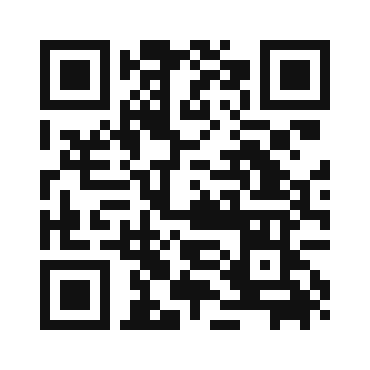
Scan with your phone’s camera, or type magic-windows.netlify.app
- Open it in your phone’s browser.Safari on iPhone or Chrome on Android, not inside Instagram or Facebook.
- Tap Start and allow camera and motion.Three windows appear floating in the room.
- Walk up to the windows.Look through them from any side, then step through.
On a desktop the link opens a preview room you move through with the mouse and keyboard, not AR.
Working prototype · opens in your phone’s browser · nothing to install
Read the practical detailsThe guest journey
A clear way in.
A reason to stay.
Scan and open
A QR or short link opens the experience in the phone browser; no app installation.
Start
Guests tap Start and allow camera and motion. Three windows appear around them.
Walk up
Each window opens onto a different world. Look through it from any side.
Step through
Cross the threshold to stand inside the world, then come back for the next window.
Existing capability
The studio built the Magic Windows prototype in a week as a working proof: three windows in web AR, running in the phone’s browser with walk-around tracking on iPhone and Android, plus a desktop preview room.
Developed for your version
Your windows and their worlds are new: the places each one opens onto, the filmed or 3D content inside them, where they sit on the property, and the signage and staff plan that get guests started.
The practical details
Make room for
the whole experience.
These are planning assumptions for the sample. Your venue, audience and operating hours shape the final specification.
- Space & power
- A clear, well-lit walking area of roughly 4 × 4 m per window; no installed hardware, plus QR signage where guests start.
- Guests & pace
- Sample target: self-guided, one guest per phone, with groups sharing a screen. Allow 3–5 minutes per window. Validate window positions for lighting and foot traffic.
- People to run it
- Self-guided. A greeter or signage explains the start step; technical support is specified in the run plan.
- Venue checks
- Confirm mobile coverage or Wi-Fi where guests start; the experience loads from the web.
- Check daylight and indoor lighting at each window position; tracking needs visible, textured surroundings.
- Keep walking paths clear of steps, traffic and water.
- Supported browsers are Safari on iPhone and Chrome on Android; in-app browsers such as Instagram and Facebook are not supported.
Creative directions
Your story changes everything.
These fictional directions show how the format can serve a different brief.
Then and now
A window on a heritage site opens onto the same view a century ago.
The vintage year
A winery window steps guests into the harvest, the cellar and the table.
The collection, outside
A museum window brings an artefact’s original setting into the courtyard.
What we build for your brief
Three studio workstreams shape this direction. Your proposal defines the final deliverables and keeps vendor costs separate.
- Your three worlds
The places each window opens onto: filmed, 3D or a mix, designed for the site.
- The on-site experience
Window placement, start signage and a guest flow that works in daylight and indoors.
- The web AR build
Browser support, tracking tests, hosting and the content pipeline for seasonal updates.
Studio planning allowance · CAD
$45K–$75K
Planning allowance in CAD, before HST. Studio creative and software are separate from third-party hardware, fabrication and site costs. Final scope and live operating hours are agreed in the proposal.
Third-party costs. Signage, on-site Wi-Fi or mobile-coverage checks, any filmed or 3D content you supply, and hosting beyond the prototype are separate costs.
Schedule. 6–10 weeks · from approved scope, with an on-site test of tracking and lighting before opening.
Download producer briefDuring the run—and after it
The proposal defines hosting, browser-support checks, content updates and a site walk before opening. Windows are web-hosted, so seasonal content can change without new hardware.
What the recap can tell you
The recap can report opened sessions, windows entered and time spent per window. Optional sign-ups have their own consent record and count.
Make it your own
Bring the brief.
We’ll shape the possibilities.
Tell us the audience, the moment and what you want them to do. A venue or final budget can come later.